How Invoicing Software Saves Time & Boosts Efficiency
Discover how transitioning to automated invoicing software can save hours of manual work, reduce errors, and help you get paid faster.
1 min read
Antigravity
Introduction
For many small business owners and freelancers, the end of the month brings a familiar sense of dread: "Invoice Day." What should be a simple task often turns into a multi-hour ordeal of digging through spreadsheets, matching emails to projects, and double-checking calculations.
The problem isn't just the time spent; it's the mental energy drained by repetitive, manual tasks that don't directly grow your business. In this article, we’ll explore how modern invoicing software transforms this "necessary evil" into a streamlined, automated process that saves you time and ensures you get paid on time.
Section 1 -- Understanding the Problem: The Hidden Costs of Manual Invoicing
Manual invoicing is rarely just about typing out a document. It’s a process fraught with hidden friction:
- Human Error: Manually entering line items or tax rates often leads to mistakes. A small typo can result in a rejected invoice, forcing you to start the cycle over.
- The Follow-up Trap: Tracking who has paid and who hasn't requires constant monitoring. If you’re manually checking bank statements against a spreadsheet, you’re losing hours every week.
- Delayed Cash Flow: When invoicing is hard, we procrastinate. Procrastination leads to late invoices, which in turn leads to late payments.
- Inconsistent Branding: Professionalism matters. Sending a basic Word doc compared to a polished, branded invoice can affect how clients perceive the value of your work.
Section 2 -- Practical Strategies for Streamlining Your Billing
You don't just need software; you need a system. Here are actionable strategies to regain your time:
- Standardize Your Templates: Stop creating every invoice from scratch. Define your core services and rates once so they can be added with a single click.
- Automate Recurring Invoices: If you have clients on retainer, there is zero reason to manually "send" an invoice every month. Set it up once and let the software handle it.
- Enable Auto-Reminders: Let the software play the "bad cop." Gentle automated reminders at the 7-day, 3-day, and overdue marks significantly reduce the need for awkward manual follow-ups.
- Batch Your Activity: Instead of invoicing as soon as a task is done (which breaks your flow), set a specific 15-minute window once a week to review and approve all pending invoices.
Section 3 -- Step-by-Step Guide: Transitioning to Automated Invoicing
Moving away from manual processes can feel daunting, but it’s simpler than you think:
- Step 1: Audit Your Current Workflow – Note down every step you take to send an invoice today. Identify the most time-consuming part (e.g., data entry or follow-ups).
- Step 2: Choose Your Software – Look for a platform like Qyri that offers localized tax support, recurring billing, and CRM integration.
- Step 3: Upload Your Assets – Add your logo, set your default currency, and import your most frequent client contacts.
- Step 4: Add Clear Payment Instructions – Put your payment details on every invoice so clients know exactly how to pay you, then record each payment as it arrives to keep your books and outstanding balances up to date.
- Step 5: Set and Forget – Configure your automation rules for reminders and recurring billing for your long-term clients.
Section 4 -- Tools and Tips: Maximizing Efficiency
While any invoicing tool is an upgrade over a spreadsheet, choosing the right one makes a difference.
- Mobile Accessibility: Use an app that allows you to generate invoices on the go. If you finish a meeting and can send the invoice before you even get back to your car, you’ve already saved time.
- CRM Integration: Use a tool that links your leads to your invoices. This ensures that the terms agreed upon during the sales process are automatically reflected in the final bill.
- Pro Tip: Use "Invoicing Software" as a core part of your tech stack, not just an afterthought. Data shows that businesses using dedicated software get paid an average of 7 days faster than those using manual methods.
Conclusion
Invoicing shouldn't be a bottleneck; it should be the fuel that keeps your business running. By moving from manual spreadsheets to a dedicated invoicing platform, you aren't just buying software—you're buying back your time.
Take the first step today: audit your last three invoices and see how much time was spent on manual entry. If it was more than 10 minutes, it's time to automate. Streamline your process, professionalize your brand, and most importantly, get back to doing the work you love.
Related Content

How to Build a Sales Pipeline for a Small Business
A sales pipeline turns a messy list of prospects into a repeatable process. Here's how to design one that fits a small business — stage by stage — without over-complicating it.
Read Article

Lead Management for Small Businesses: A Practical Guide
Capturing leads is easy. Managing them so none fall through the cracks is where most small businesses struggle. This guide covers a simple, repeatable lead management process.
Read Article
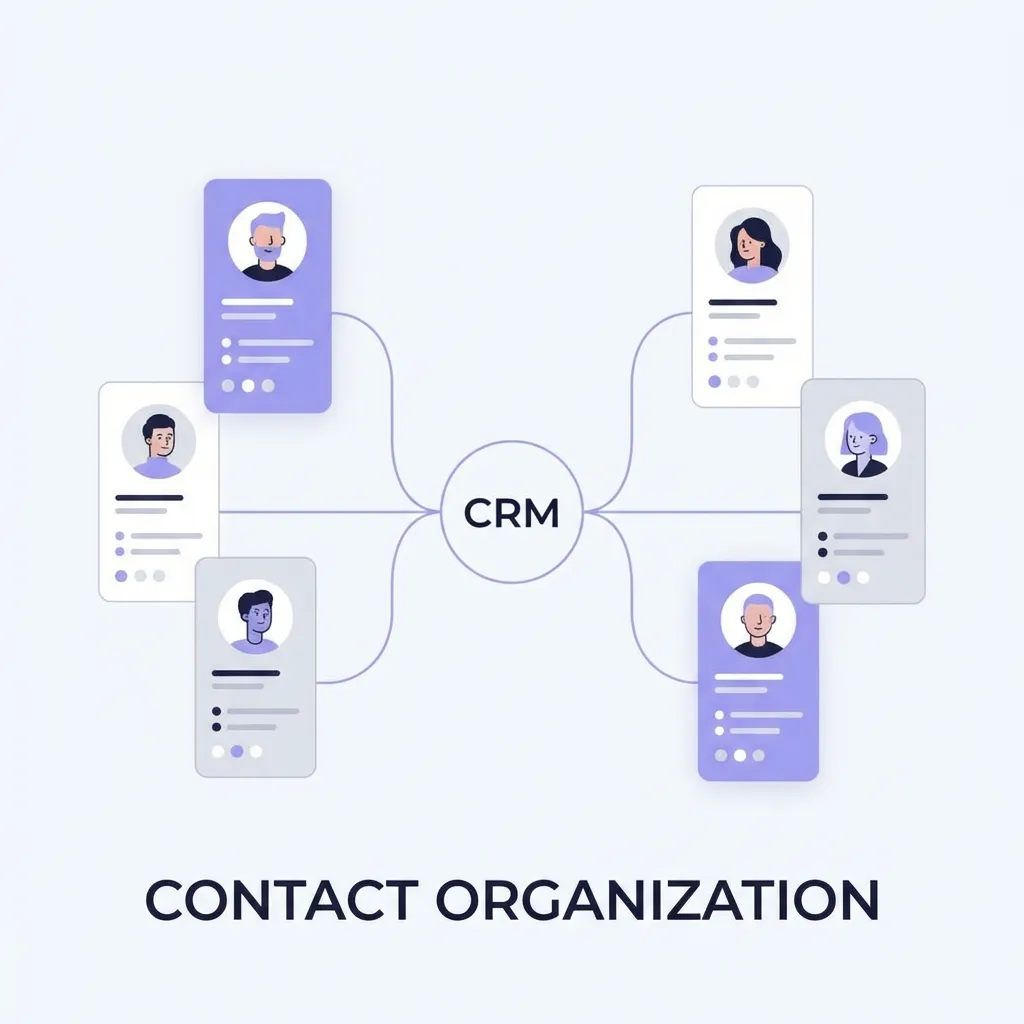
CRM vs Spreadsheet: When Your Business Has Outgrown Excel
Spreadsheets are where every business starts tracking customers — and where many quietly start losing them. Here's how to tell when it's time to move from a spreadsheet to a CRM.
Read Article
Antigravity
Published on