Automating Your Business: The Complete Guide to Streamlining Operations
Learn how automating your business can reduce repetitive tasks, centralize data, and create efficient workflows to save time and reduce errors.
1 min read
Lesley Kampinda
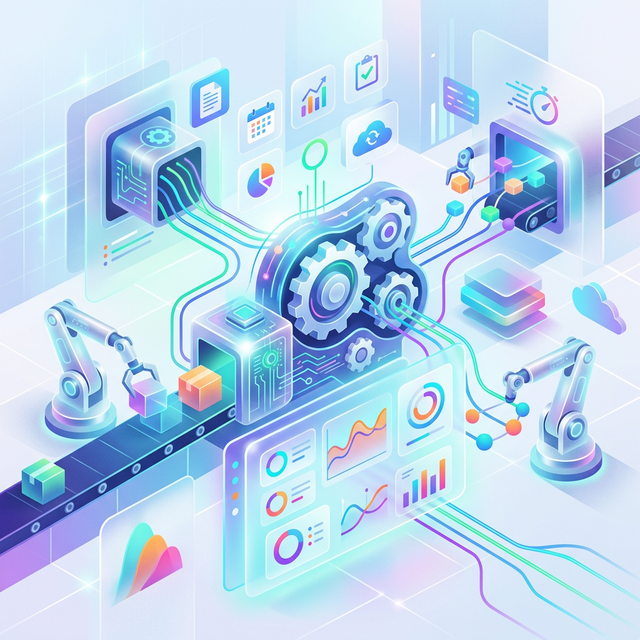
Automation reduces repetitive tasks. For growing companies, manual processes can quickly become a bottleneck, eating up hours that could be spent on strategy and customer relationships. Automating your business isn't just a corporate luxury—it is a mandatory step for small and medium enterprises aiming to scale efficiently. By integrating the right business automation software into your daily operations, you can shift your focus from tedious admin work to high-impact growth initiatives.
Whether you are looking to automate small business tasks, improve team productivity, or cut down on operational costs, building an automated ecosystem is the key. Let's explore the critical sections of business automation that will transform how you work.
1. Centralize Data
Before you can effectively automate, you must centralize data. Data scattered across spreadsheets, emails, and isolated applications makes automation nearly impossible and slows down decision-making.
- Single Source of Truth: Implementing a centralized CRM (Customer Relationship Management) system ensures that all client information, communication history, and sales data live in one place.
- Improved Collaboration: When your team has access to the same centralized business data, you eliminate silos, reduce miscommunication, and speed up project delivery.
- Foundation for Automation: Automated systems need clear triggers to operate. Having a unified database ensures that when an action happens (like a new lead signing up), the correct automated workflow can seamlessly pull the required information.
2. Automate Invoices
Chasing payments and manually drafting bills are some of the most time-consuming aspects of running a company. Choosing to automate invoices is one of the fastest ways to improve your cash flow and win back hours every week.
- Faster Payments: Automated invoicing software can generate and send recurring invoices exactly on time, ensuring your clients are billed regularly without you having to lift a finger.
- Automated Follow-ups: Reduce awkward phone calls by setting up automated payment reminders for overdue invoices. The system automatically follows up with clients before, on, and after the due date.
- Reduced Human Error: Manual data entry often leads to pricing typos or missed billing periods. Automated billing connects directly to your time-tracking or inventory systems to ensure perfect accuracy.
3. Workflow Automation
Workflow automation takes complex, multi-step processes and puts them on autopilot. By connecting your favorite apps, you can move information fluidly from one platform to another without manual intervention.
- Lead Nurturing: Set up automated email sequences that trigger immediately when a prospect downloads a resource from your website, nurturing them until they are ready to buy.
- Task Delegation: Use workflow automation for small businesses to automatically assign tasks in your project management tool based on specific triggers, such as a closed deal in your CRM.
- Eliminate Data Entry: Tools like Zapier or Make can automatically copy data between platforms, such as adding new e-commerce customers directly to your email marketing list.
4. Reporting Dashboards
Data is useless if you can't understand it. Manually compiling weekly or monthly reports is a massive drain on resources. Automated reporting dashboards provide real-time insights into your business's health.
- Real-Time Analytics: Small business reporting dashboards automatically pull KPIs (Key Performance Indicators) from your marketing, sales, and financial software into one clean visual interface.
- Identify Trends Instantly: Visual dashboards let you monitor cash flow, track inventory turnover, and analyze website traffic simultaneously, allowing you to spot issues before they impact your bottom line.
- Effortless Sharing: Automatically generate and email PDF reports to your stakeholders, team members, or investors on a regular schedule, saving you hours of spreadsheet formatting.
Conclusion
Ultimately, automation saves time and reduces errors. By choosing to centralize data, automate invoices, implement workflow automation, and rely on real-time reporting dashboards, you build a resilient and highly efficient operation.
Knowing how to automate your business is the difference between working in your business and working on it. Start evaluating your most time-consuming, repetitive tasks today and look for automation tools that can take them off your plate. An automated business is a faster, smarter, and infinitely more scalable business.
Related Content

How Invoicing Software Saves Time & Boosts Efficiency
Discover how transitioning to automated invoicing software can save hours of manual work, reduce errors, and help you get paid faster.
Read Article

Inventory Management Basics: A Guide for Growing Businesses
Learn the essentials of inventory management to prevent losses and boost profits. Our guide covers categorization, reorder points, software tracking, and more.
Read Article

CRM Strategies for Customer Retention
Retaining customers is cheaper than acquiring new ones. Learn how CRM tools help grow long-term customer relationships through segmentation, interaction tracking, and analytics.
Read Article
Lesley Kampinda
Published on