When does a freelancer or small business actually need invoicing software?
When should freelancers and small businesses move beyond Word, spreadsheets and basic invoice templates to proper invoicing software?
1 min read
Qyri Team
When does a freelancer or small business actually need invoicing software?
A lot of freelancers and small businesses start with a Word document, Excel spreadsheet, Canva template or a simple invoice generator.
And honestly, that can work.
If you're sending five or ten invoices a month, there may be no reason to pay for a full accounting platform just to create them.
The problem usually appears when the business starts getting busier.
Suddenly you're not just creating invoices.
You're trying to remember which customers have paid, which invoices are overdue, when something was sent, what a customer owes in total, and whether you actually followed up.
That's usually the point where invoicing starts becoming an administrative job rather than a simple task.
The problem isn't creating invoices
Creating an invoice is easy.
The difficult part is managing everything that happens around it.
A freelancer might have ten different clients, all at different stages of payment.
A contractor might have several projects running at the same time.
A small agency might send invoices every month to recurring customers.
One customer has paid.
Another is waiting on a final invoice.
A third has an invoice that's 30 days overdue.
Another customer has asked for a copy of an old invoice.
If all of that information is sitting across Word documents, spreadsheets, email and your banking app, the business starts depending on you remembering everything.
That's where proper invoice management becomes useful.
But you don't necessarily need a huge accounting platform
This is where small businesses and freelancers can get stuck.
You start looking for invoicing software and quickly end up comparing platforms that include:
- Payroll
- Inventory
- Advanced accounting
- Expenses
- Time tracking
- Projects
- Banking
- Tax reporting
- And dozens of other features
Those things can be useful.
But if you're a freelancer, contractor, consultant, tradesperson or small service business, you may simply want to:
- Create professional invoices
- Save customer details
- Keep invoice history
- See what's paid
- See what's outstanding
- Send payment reminders
- Record payments
- Create recurring invoices
- Keep your business records organised
There's a difference between needing better invoicing and needing an entire accounting department in an app.
The other problem is pricing
I'd also be careful with the word "unlimited".
A lot of small-business owners have had the experience of signing up for an invoicing service because the pricing looked simple, only to discover later that an important feature was behind another plan or that some limit wasn't obvious.
Maybe the invoices are unlimited, but reminders aren't.
Maybe customers are limited.
Maybe online payments cost extra.
Maybe something that looked like a basic feature requires an upgrade.
For a small business, predictable pricing matters.
You don't necessarily need the cheapest software.
You need to understand what you're actually paying for.
What I would look for
If I were choosing invoicing software as a freelancer or small-business owner, I'd start with the workflow rather than the feature list.
Can I go from:
Customer → Quote → Invoice → Payment
without maintaining a separate spreadsheet?
Can I open a customer and immediately see their invoices?
Can I see everything that's outstanding?
Can I tell which invoices are overdue?
Can I record a payment without updating three different places?
Can I quickly understand how much money is still owed to the business?
Can I send a professional invoice without spending ten minutes formatting it?
Those questions matter more to me than whether the software has 100 features.
What QyriWise offers
This is the thinking behind QyriWise.
QyriWise is designed for freelancers and small businesses that want to manage the everyday commercial side of their business without having to stitch together a collection of separate tools.
You can manage customers, quotations, invoices, payments, expenses and accounting from one place.
For invoicing, you can create professional invoices, keep customer information organised, track what has been paid and what is still outstanding, record payments and manage your invoice history.
You can also use your saved customer and business information instead of repeatedly entering the same details.
But the useful part is what happens before and after the invoice.
You can create a quotation for a customer, keep track of it, and then move from an accepted quote to an invoice instead of recreating everything from scratch.
That gives you a simple flow:
Customer → Quote → Invoice → Payment
rather than:
Customer spreadsheet + Word invoice + email + payment spreadsheet.
QyriWise also gives you the wider business tools when you need them, including expenses, accounting, reporting and customer management.
So you don't have to choose between a basic invoice generator and a huge system packed with features you don't need.
You can start with the parts of the business you actually need to manage and build from there.
You can learn more about QyriWise here:
So when should you switch?
I wouldn't say there's a magic number of invoices.
The better question is whether invoicing is starting to create administrative work.
If you're spending time searching for invoices, checking spreadsheets, manually following up on payments, recreating customer information or wondering who still owes you money, you've probably reached that point.
You also don't necessarily need the most powerful accounting platform available.
You need something that removes the administrative work you're actually experiencing.
For many freelancers and small businesses, that's enough.
The goal isn't to buy more software.
It's to spend less time managing the paperwork around getting paid and more time doing the work that actually makes you money.
Related Content

How to Build a Sales Pipeline for a Small Business
A sales pipeline turns a messy list of prospects into a repeatable process. Here's how to design one that fits a small business — stage by stage — without over-complicating it.
Read Article

Lead Management for Small Businesses: A Practical Guide
Capturing leads is easy. Managing them so none fall through the cracks is where most small businesses struggle. This guide covers a simple, repeatable lead management process.
Read Article
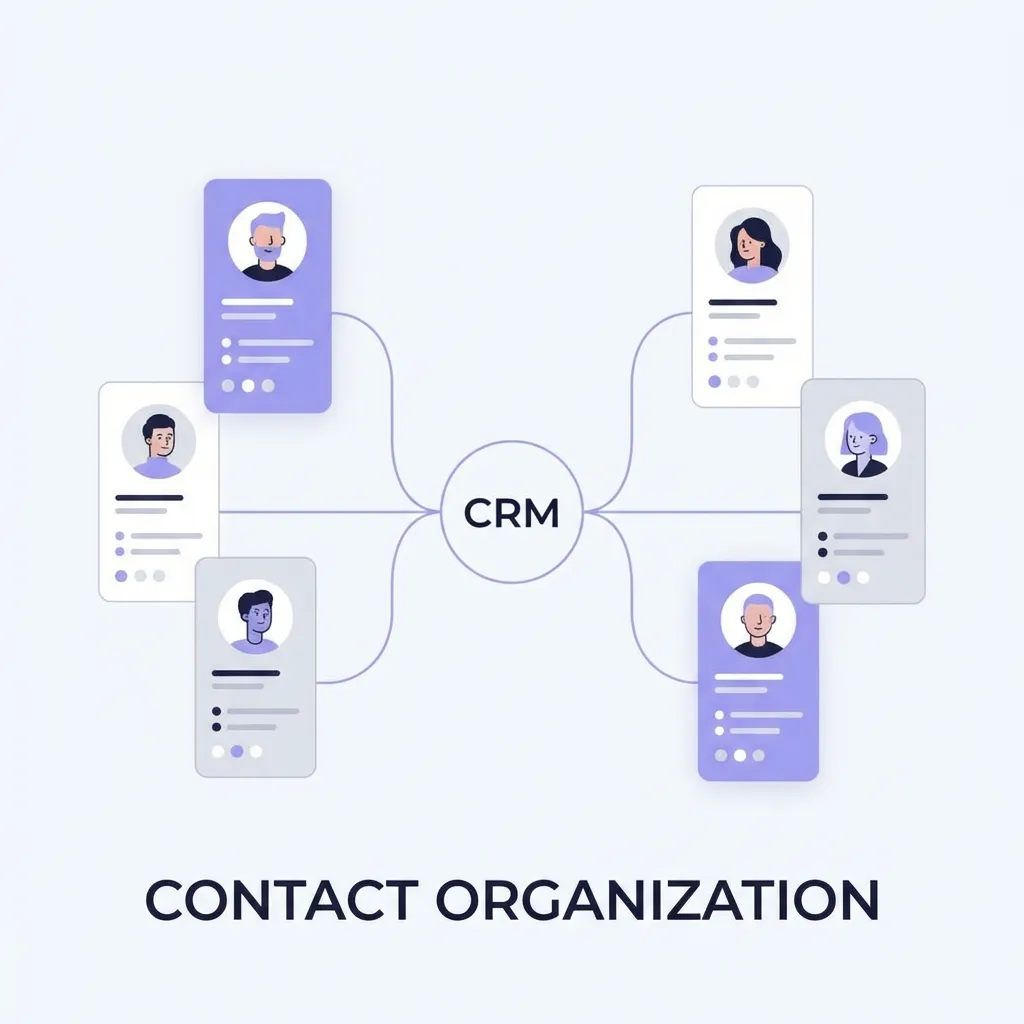
CRM vs Spreadsheet: When Your Business Has Outgrown Excel
Spreadsheets are where every business starts tracking customers — and where many quietly start losing them. Here's how to tell when it's time to move from a spreadsheet to a CRM.
Read Article
Qyri Team
Published on