You Need These 5 Tools To Run a Successful Small Business
One of the most challenging aspects of running a small business is managing your business, as there simply isn't enough time in the day. See how these 5 tools can help run a business successfully.
1 min read
Lesley Kampinda

Businesses are complex entities, made up of many moving parts, from managing budgets, writing invoices to growing a customer base, and managing employees to name just a few.
It can become even more challenging when your business reaches a point where it needs an enterprise-level organizational structure and management. But now you have a thousand things to do, and you want to maintain or increase your growth rate.
There are many business tools available that can help you automate many of your business management tasks.
These tools can help you run your business more efficiently, freeing up your time to focus on other aspects of your business. By delegating or automating some of your daily tasks with technology, you can maintain a high level of success without having burnout or as much effort.
The question then is.
What tools do you need to make your business more successful and increase or maintain the same growth rate?
Use these five tools to run a successful small business. They are essential for getting organized, promoting your business, and managing your finances:
[Gmail](https://www.google.com/gmail/about/)
!346e2317-ce7c-4891-aa52-22f0ba4a02c2_Screenshot+from+2022-07-27+17-59-06.png
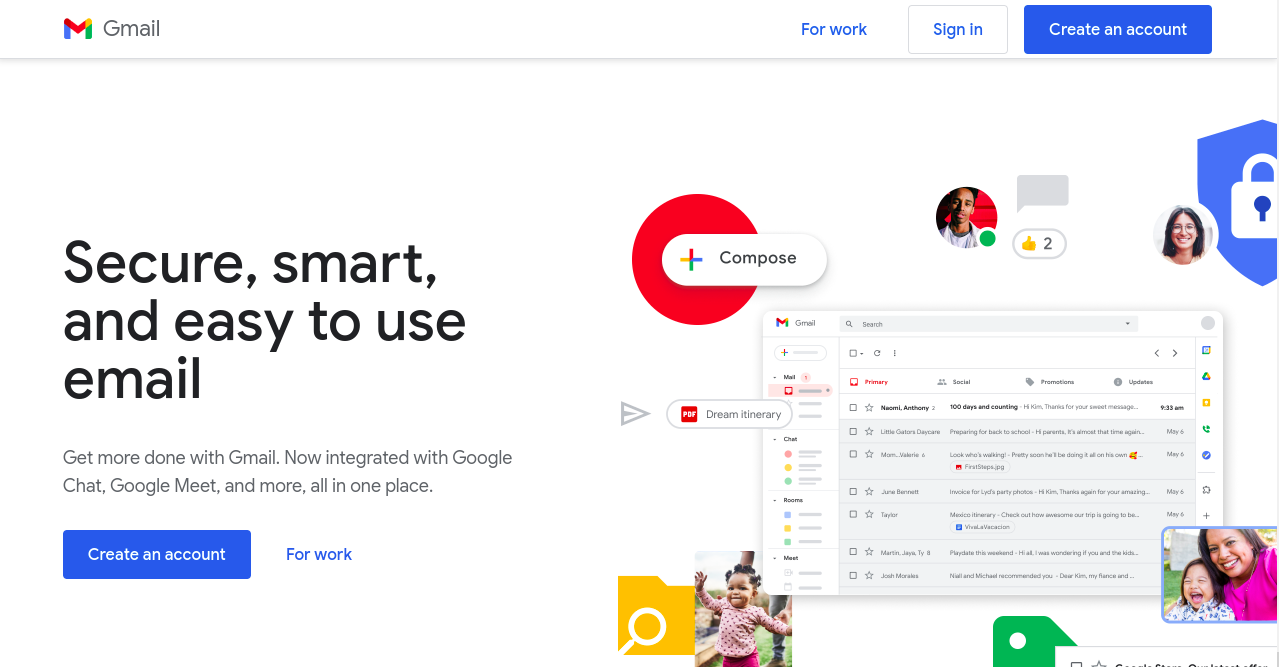
Gmail will probably be no surprise for most business people. It provides the best way to communicate and collaborate with your team and your customers.
Gmail has a modern user interface and comes with features that are suitable for any business size, small businesses, and enterprises.
Gmail has all the tools a small business needs to operate successfully, from file sharing, communication, collaboration, and online meetings. These tools include Google Drive, custom email, calendar, Google Sheets, etc.
Plans:
14 days free trial and then $6/month
Features:
- Custom domain based Email addresses
- Integrated data exchange between Apps such s Gmail, Google Drive, Google Calendar, and more.
- Team collaboration and Communication with hangout and Google Groups.
- Google Meet for online meetings
- Search capabilities across all the apps
[Hubspot](https://www.hubspot.com/products/crm)
!6a7de85b-f164-498f-81f3-3661e6f84931_Screenshot+from+2022-07-26+23-11-59.png
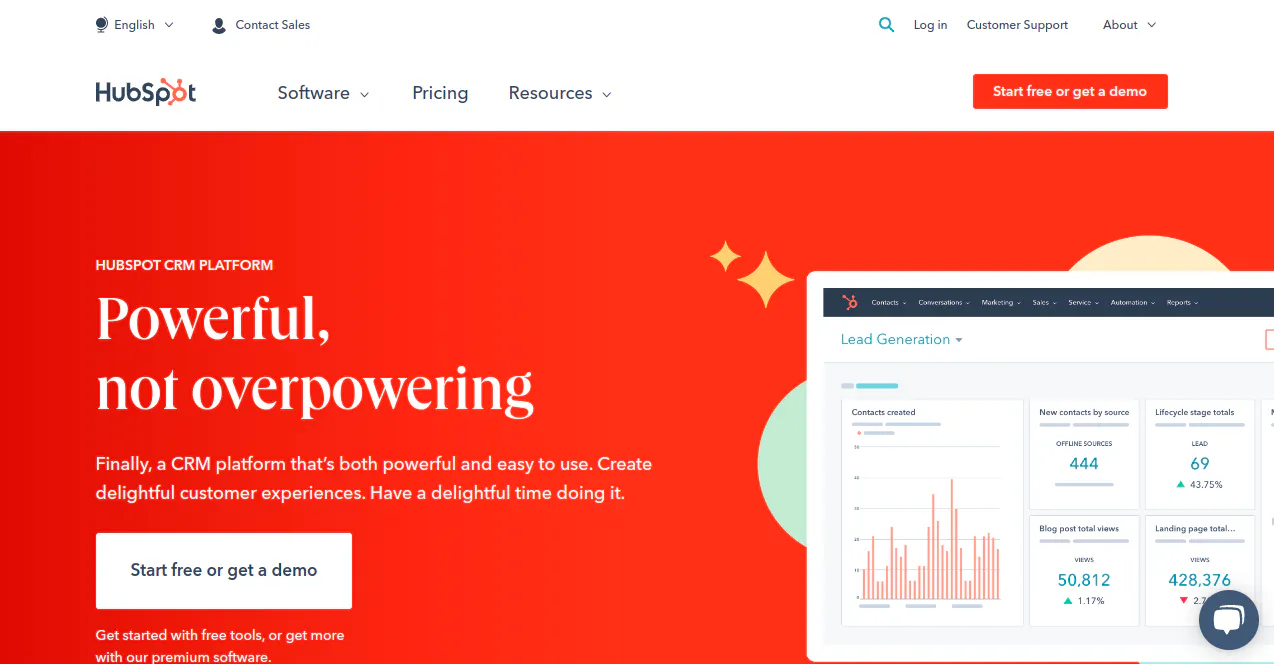
HubSpot is a CRM software that allows you to manage your clientele, projects, marketing, sales, and communications.
HubSpot is much more than a CRM app. It has a wide range of integrated apps to help you with your custom relations, marketing, lead generation, and sales automation.
Plans:
HubSpot offers a free CRM. Paid plans start from $45 per month
Features:
- Free CRM
- List Segmentation
- Email Marketing
- Opportunity pipeline
- Task Management
- A meeting scheduling tool
- Sales Automation
[MailChimp](https://mailchimp.com/)
!080855a8-d1d4-4358-811c-0116ce48c973_Screenshot+from+2022-07-26+23-15-23.png
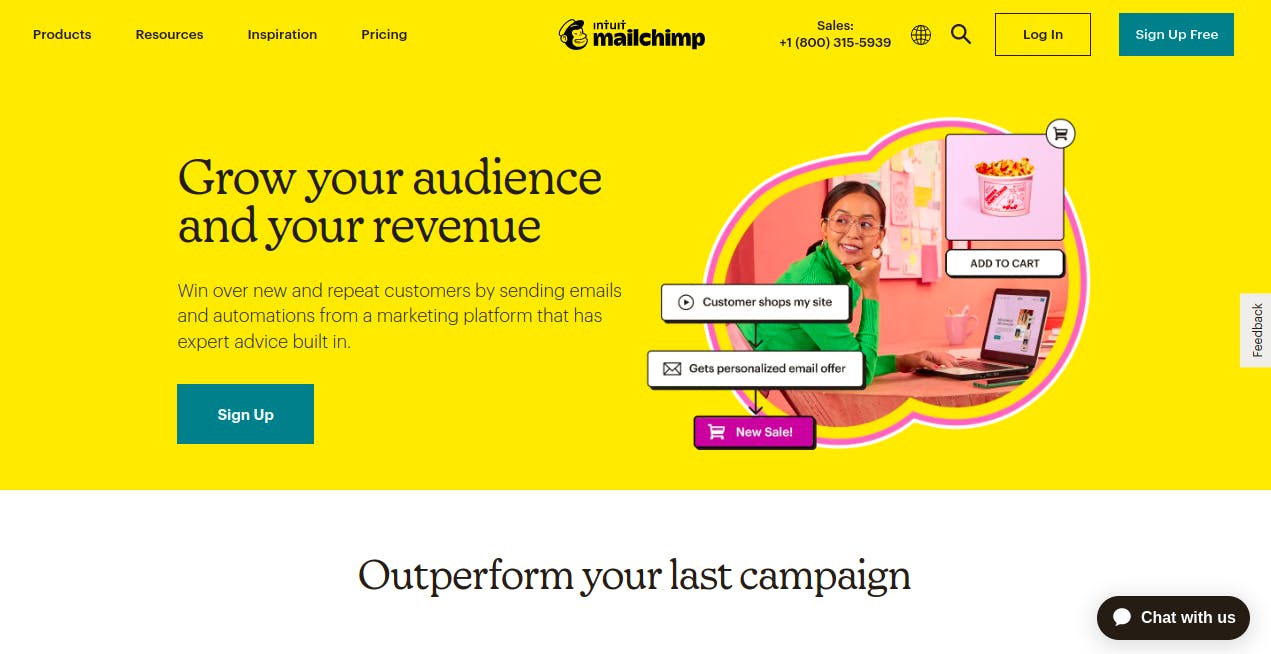
Email marketing has remained one of the best ways to acquire repeat customers. It allows you to market to your already existing clients for repeated purchases.
MailChimp has been a champion in email marketing for years and is still one of the best apps for small businesses. Their free plan has enough features to get you started with email marketing.
Mailchimp allows you to create forms, design emails, create landing pages for your campaign without needing another tool, segment, and group your contacts, etc.
Plans.
Mailchimp starts at $0/month.
Features:
- Email Designer
- Email Templates
- Segmentation and Groups
- Third Integration
- Automated email responder templates
- Advanced reporting and analytics
- Audience
- Automation
- Reports
[QuickBook](https://quickbooks.intuit.com/global/)s
!b448334e-28aa-474c-9054-a530dc651fc9_Screenshot+from+2022-07-26+23-18-02.png
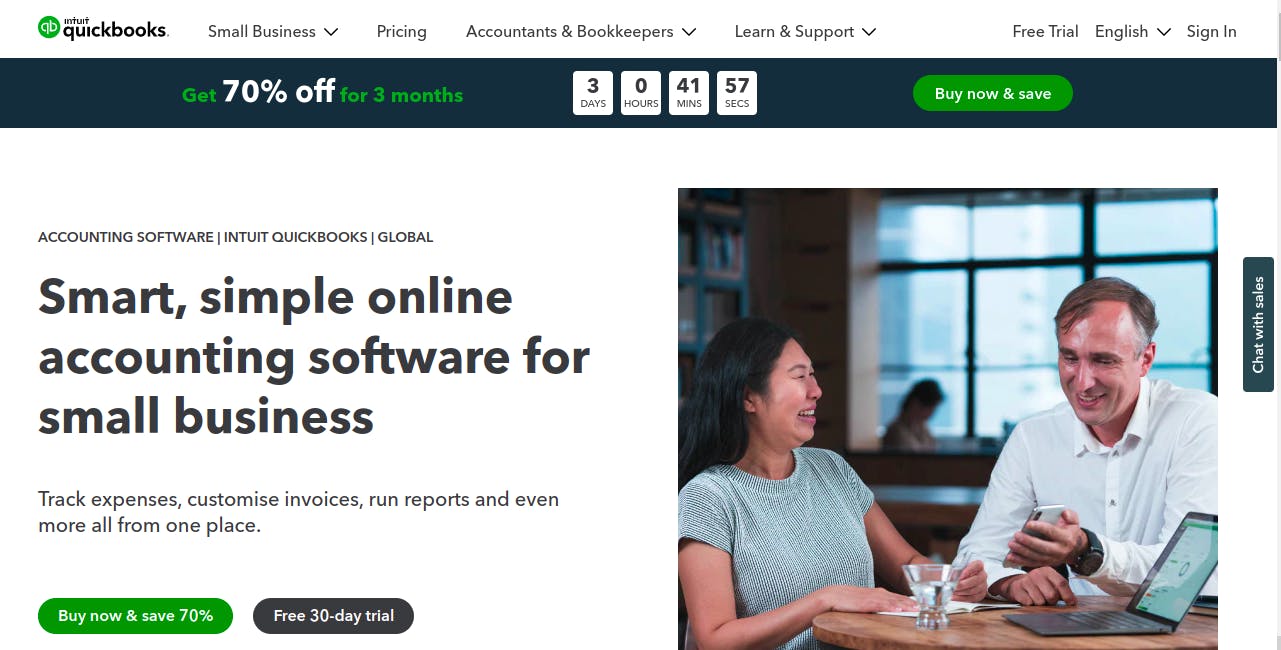
Every business needs to keep track of its finances, and this is where Quickbooks comes in.
Quickbooks is a simple and easy-to-use accounting app that allows you to keep track of your finances. It helps you to record your income and expenses and track your business growth.
It comes with invoice and quotation generation, and integration with other tools such as HubSpot and MailChimp. This will allow you to sync your contact list with your accounting and marketing software.
QuickBooks also allows you to add multiple users, you can hire more people or an accountant to help you manage your finances without needing to teach or spend a lot of time trying to teach them how to use it.
###
Plans:
Quickbooks does not have a free plan, their basic starts from $17.
Features:
- Track income & expenses
- Send custom invoices & quotes
- Connect your bank
- Track VAT
- Insights & reports
- Manage employees
- Multi-currency
- Recurring transactions
- Track inventory
- Track projects & locations
- Manage budgets
- Add your accountant
[Trello](https://trello.com/)
!7d588ce2-d7cb-4d2f-bf28-9a1c2a4d60ed_Screenshot+from+2022-07-26+23-21-06.png
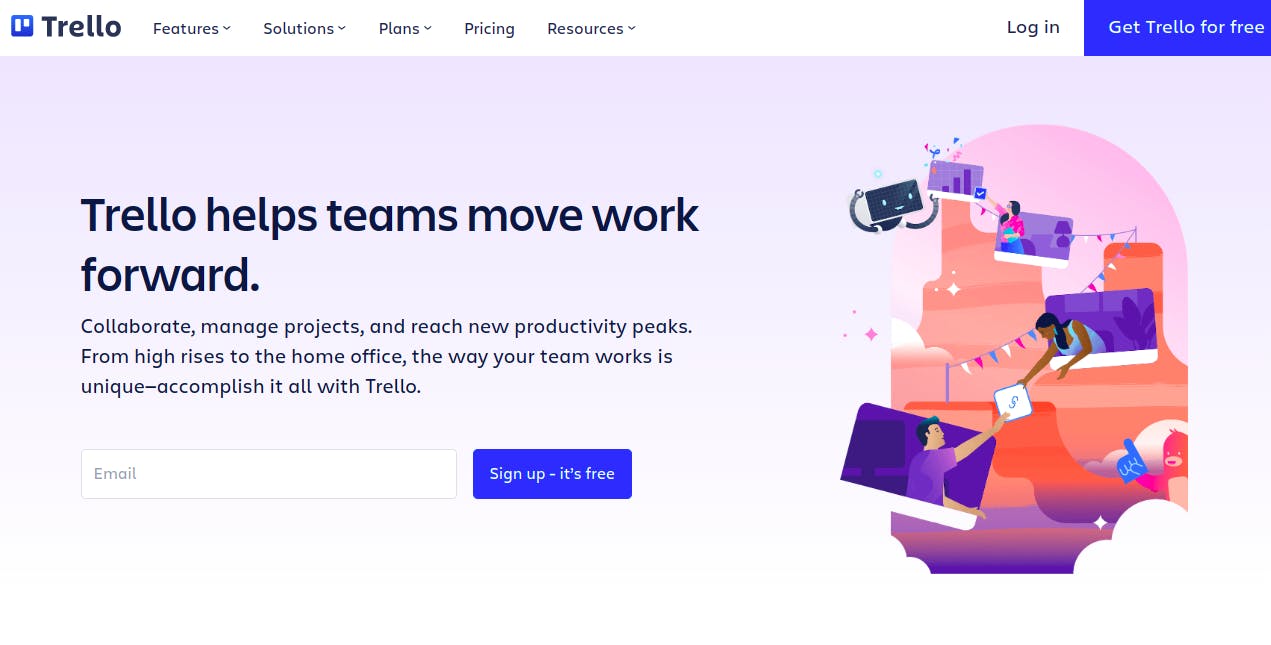
With about any team size, you can manage projects and tasks using the cloud-based Trello project management and communication tool.
Trello is a cloud-based project management software that lets you manage your project with any team size and organization. It is a Kanban project management app with real-time collaboration between teams and multiple projects.
Trello assists users in outlining projects, specifications, and workflows to make sure they are carried out efficiently. It provides a visual representation of your projects and tasks with the ability to assign and track them.
Keep track of your deadline, share your project progress, and mark milestones.
Trello use cases include marketing, engineering, product management, support, design, and sales.
Plans:
$0/month Amount of teams: 10 teams free.
Features:
- Visualize Project Workflows
- Work With External Users
- Boards
- Project Templates
- Power-ups
Conclusion
Business management is not an easy task. It requires a lot of time and energy to keep track of the business and its growth.
To be able to do this, you need to have a well-defined management system, and tools that allow you to automate some of the management tasks.
Without tools, business management can become chaotic, and time-consuming and brings about burnout in the owner.
Business tools will allow you to focus on running your business, rather than worrying about the day-to-day management of your business.
Related Content

Automating Your Business: The Complete Guide to Streamlining Operations
Learn how automating your business can reduce repetitive tasks, centralize data, and create efficient workflows to save time and reduce errors.
Read Article

Inventory Management Basics: A Guide for Growing Businesses
Learn the essentials of inventory management to prevent losses and boost profits. Our guide covers categorization, reorder points, software tracking, and more.
Read Article
Invoicing Best Practices
Discover the top invoicing best practices to improve your cash flow. Learn how to send invoices quickly, set clear terms, and get paid faster.
Read Article
Lesley Kampinda
Published on